
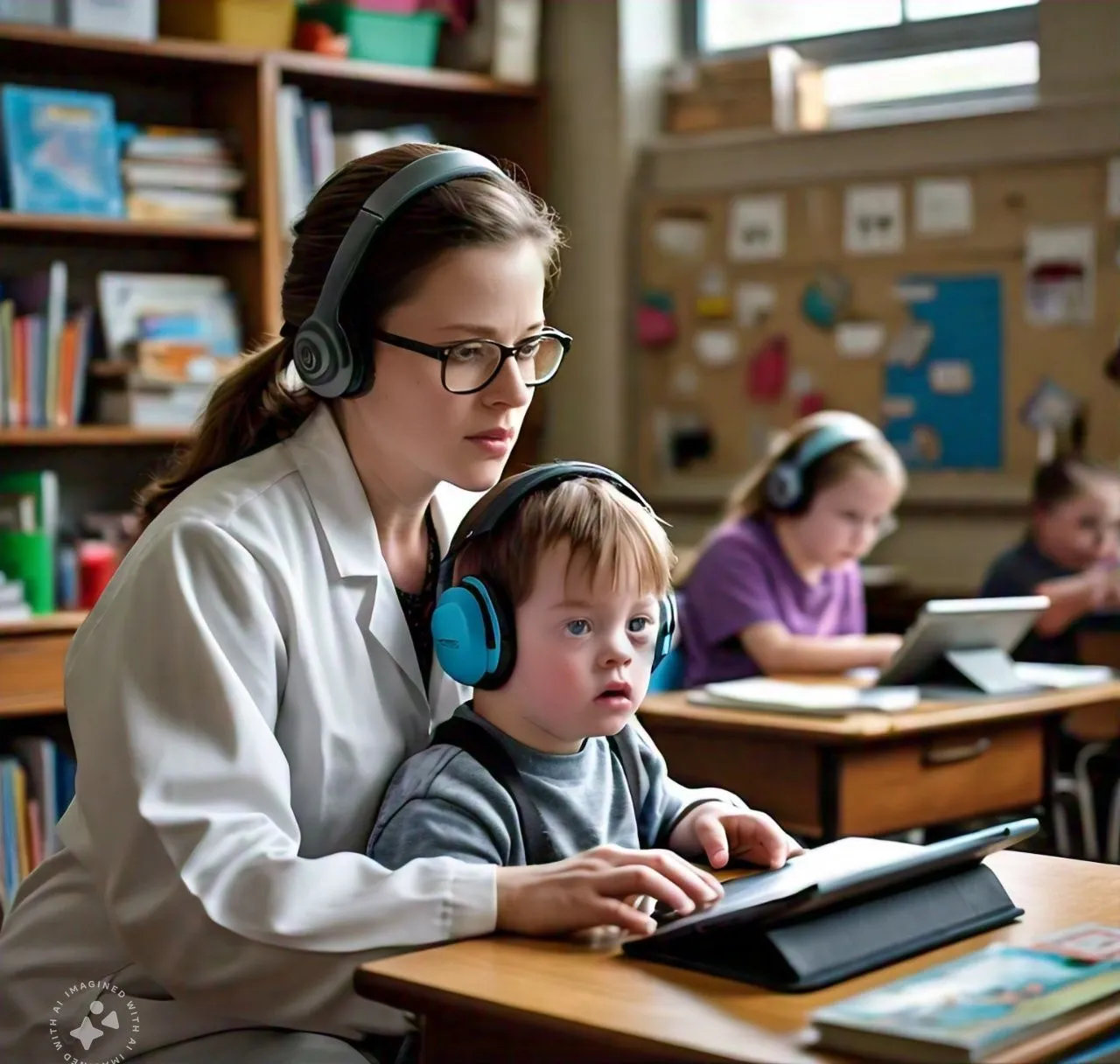
The Role of Technology in Special Education: Enhancing Learning
The Role of Technology in Special Education: Enhancing Learning
In recent years, technology has revolutionized the field of education, and its impact on special education has been particularly profound. Students with special needs often face unique challenges that require individualized learning approaches, and technology offers powerful tools to enhance learning experiences, foster communication, and improve accessibility. From assistive devices to adaptive software, technology is helping educators create more inclusive environments where all students can thrive.
This article explores the role of technology in special education, the tools available to support students with diverse needs, and the ways educators can effectively integrate technology into their classrooms to enhance learning for students with disabilities.
The Need for Technology in Special Education
Special education encompasses a wide range of needs, including learning disabilities, physical impairments, sensory challenges, and cognitive delays. Traditional teaching methods often fall short of addressing these needs, making it essential to find alternative solutions that cater to the unique learning styles of special education students.
1. Personalized Learning
One of the greatest benefits of technology in special education is its ability to deliver personalized learning experiences. Students with disabilities often require individualized support, and technology enables educators to create customized learning plans that accommodate each student’s pace, preferences, and abilities.
2. Enhanced Accessibility
Many students with disabilities face barriers to learning that can be mitigated or eliminated through technology. For example, students with visual or hearing impairments can use screen readers, Braille devices, or captioning software to access educational content. Similarly, students with physical disabilities can benefit from tools like voice recognition software or adaptive keyboards.
3. Improved Communication
Communication challenges are common among students with disabilities, particularly those with speech or language impairments. Technology provides alternative communication methods, such as augmentative and alternative communication (AAC) devices, that enable students to express themselves more effectively.
Assistive Technology in Special Education
Assistive technology refers to devices and tools designed to support individuals with disabilities in performing tasks that might otherwise be difficult or impossible. In special education, assistive technology can play a critical role in enhancing learning outcomes and fostering independence.
1. Communication Devices
For students with speech or language impairments, communication devices can be life-changing. Augmentative and alternative communication (AAC) systems, such as text-to-speech devices or communication boards, allow students to communicate their needs, thoughts, and feelings effectively.
Examples of AAC Tools:
- Dynavox: A touchscreen communication device that helps nonverbal students construct sentences by selecting symbols or words.
- Proloquo2Go: An app that provides a voice to students with speech impairments, allowing them to communicate using a symbol-based interface.
2. Text-to-Speech and Speech-to-Text Software
For students with reading or writing disabilities, text-to-speech and speech-to-text software can be invaluable tools. Text-to-speech software reads written content aloud, making it accessible to students with dyslexia, visual impairments, or other reading challenges. Speech-to-text software, on the other hand, converts spoken words into written text, enabling students with writing difficulties to compose essays, take notes, and complete assignments.
Examples of Text-to-Speech Tools:
- Kurzweil 3000: A comprehensive learning tool that reads digital text aloud and includes features like highlighting, note-taking, and dictionary support.
- NaturalReader: A free text-to-speech program that converts text from websites, PDFs, and documents into spoken words.
Examples of Speech-to-Text Tools:
- Dragon NaturallySpeaking: A voice recognition software that allows students to dictate their thoughts and have them converted into written text.
- Google Voice Typing: A free tool integrated into Google Docs that enables students to dictate text using their voice.
3. Visual Aids and Graphic Organizers
Many students with cognitive or learning disabilities benefit from visual aids that help them organize information and enhance comprehension. Graphic organizers, such as mind maps, charts, and diagrams, help students break down complex concepts into manageable parts.
Examples of Visual Aid Tools:
- Inspiration Software: A graphic organizer tool that allows students to create mind maps, diagrams, and flowcharts to visually organize information.
- Popplet: A web-based tool that enables students to create visual mind maps and organize their ideas in a collaborative environment.
4. Adaptive Learning Software
Adaptive learning software uses artificial intelligence to tailor lessons to each student's learning style and pace. These programs assess a student's strengths and weaknesses and adjust content delivery accordingly, providing personalized instruction and targeted practice.
Examples of Adaptive Learning Tools:
- DreamBox Learning: A math program that adapts to students' responses, offering personalized lessons based on their current understanding and progress.
- Raz-Kids: A reading platform that provides leveled books and interactive quizzes tailored to each student’s reading level.
The Role of Technology in Different Learning Disabilities
1. Supporting Students with Autism Spectrum Disorder (ASD)
Technology can be especially beneficial for students with autism, who may struggle with communication, social interactions, and sensory processing. Tools like visual schedules, sensory-friendly apps, and AAC devices can help these students manage their daily routines, express their needs, and develop social skills.
Examples of Technology for ASD:
- Autism Apps: A collection of apps designed to support communication, behavior management, and social skills for individuals with autism.
- ClassDojo: An app that provides visual behavior management tools, allowing teachers to reward positive behavior and track students progress.
2. Helping Students with ADHD
Students with attention-deficit/hyperactivity disorder (ADHD) often struggle with focus, organization, and time management. Technology can offer tools to help these students stay organized, manage their time, and maintain attention during lessons.
Examples of Technology for ADHD:
- Trello: A visual project management tool that helps students organize tasks, set deadlines, and track their progress.
- RescueTime: A time management app that tracks how students spend their time online and provides insights to improve focus.
3. Assisting Students with Dyslexia
For students with dyslexia, reading and writing can be significant challenges. Technology offers a range of tools to support literacy skills, from text-to-speech software to phonics-based reading programs that help students improve decoding and comprehension.
Examples of Technology for Dyslexia:
- Nessy Learning: A phonics-based reading program designed specifically for students with dyslexia.
- Read&Write: A literacy support tool that provides text-to-speech, word prediction, and dictionary features to help students with dyslexia improve their reading and writing skills.
The Benefits of Technology for Special Education Teachers
In addition to benefiting students, technology offers numerous advantages for special education teachers. By integrating technology into their teaching practices, educators can better meet the diverse needs of their students and enhance their own instructional strategies.
1. Data-Driven Instruction
Many educational technologies include data tracking features that allow teachers to monitor student progress in real-time. This data can be used to make informed decisions about instruction, identify areas where students need additional support, and adjust lessons to suit each student's learning style.
2. Differentiated Instruction
Technology enables teachers to differentiate instruction more effectively by offering a range of learning tools and resources. Educators can provide students with personalized learning experiences that cater to their individual needs, whether through adaptive learning software, customized lesson plans, or interactive educational games.
3. Professional Development
Technology also provides opportunities for professional development, allowing special education teachers to access training, resources, and communities that enhance their teaching practices. Online courses, webinars, and educational forums enable teachers to stay up-to-date on the latest research and strategies in special education.
Challenges and Considerations
While technology offers tremendous benefits for special education, it’s important to recognize the challenges that come with its integration. Some considerations include:
1. Access to Technology
Not all students have equal access to technology, particularly those from low-income families or rural areas. Ensuring that all students have the necessary devices and internet access is crucial for equitable learning.
2. Teacher Training
Teachers must be properly trained to use assistive technology effectively. Schools should invest in professional development to ensure that educators are comfortable using these tools and understand how to integrate them into their lessons.
3. Personalized Learning vs. Over-Reliance on Technology
While technology can enhance personalized learning, it’s essential to strike a balance between technology use and human interaction. Technology should complement, not replace, the support and guidance provided by teachers and caregivers.
Technology has transformed special education by offering new ways to support students with diverse needs. From personalized learning tools to assistive devices that enhance communication and accessibility, technology empowers students with disabilities to reach their full potential.
By embracing these tools and integrating them into the classroom, educators can create more inclusive and effective learning environments. As technology continues to evolve, its role in special education will only grow, offering new opportunities to enhance learning for all students, regardless of their abilities.